Production Workflow制作流程 · Guide指南
How to Make Notes Actionable
Useful notes point to a moment, name the observed issue, and request a decision or change that someone can complete.
Key takeaways核心要点
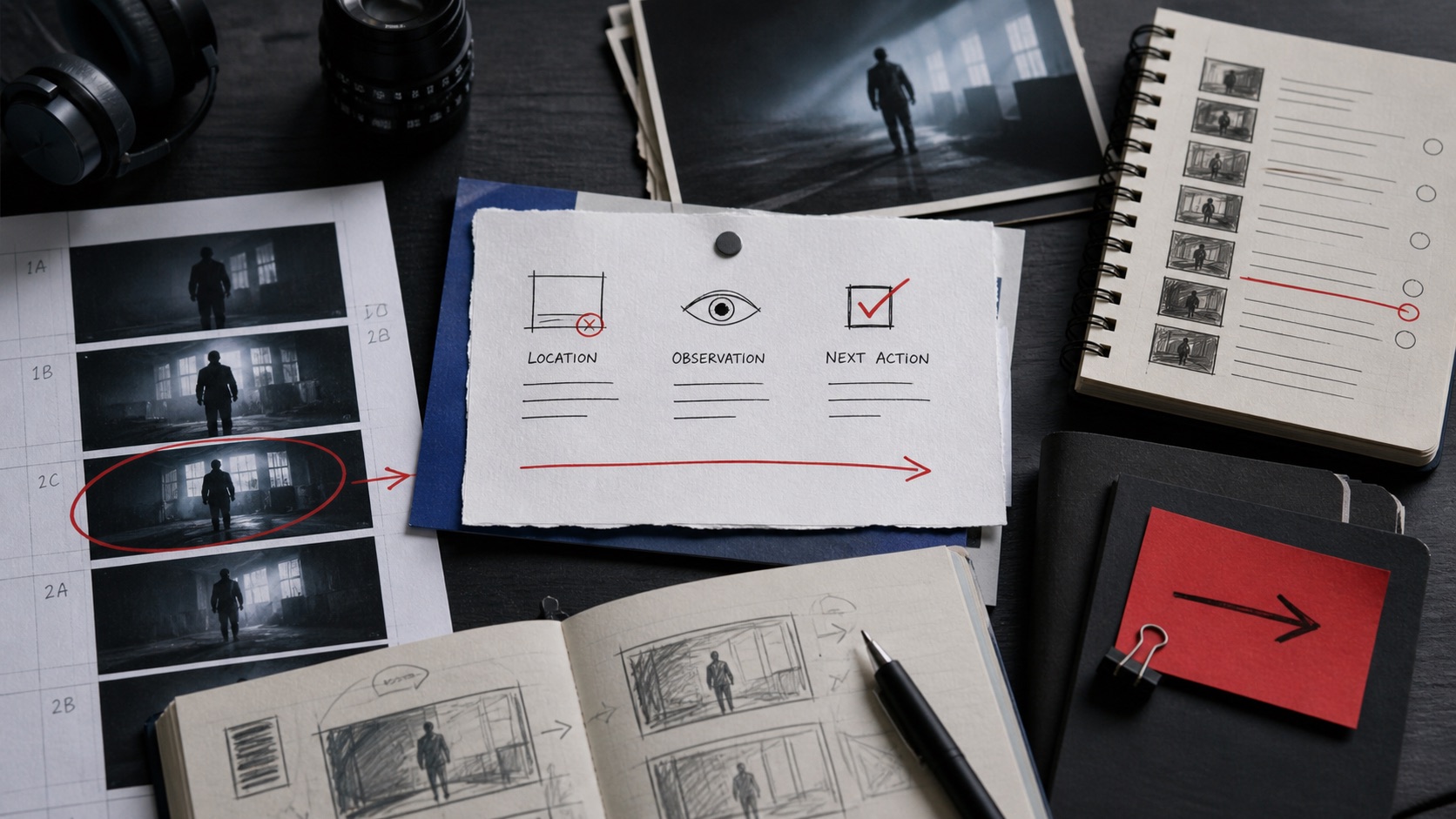
- Anchor feedback to a location, observable effect, and intended next action.
- Separate questions, preferences, and required fixes so the owner can prioritize.
- Close notes with a verification step instead of assuming they were understood.
“This part is not working” may be an honest reaction, but it is not yet a usable production note. The person receiving it must guess which moment matters, what effect was observed, and whether the reviewer expects a revision or merely wants to discuss the concern. That guessing expands the review cycle.
Actionable notes preserve the human judgment inside feedback while giving it a workable form. They do not eliminate taste or disagreement. They make the next conversation specific enough that a collaborator can take responsibility for a response.
Locate the issue and describe the evidence
Start with a stable reference: a timecode, a page and line, a shot identifier, or a design state. Then describe what you observed before prescribing a solution. “At 00:18, the reply arrives before the viewer knows who is waiting” gives an editor something to inspect. “The middle is confusing” does not.
Name the intended effect when it is known. A note can say that the scene should preserve uncertainty, make a causal link readable, or reduce a technical distraction. This prevents a proposed fix from being mistaken for the actual goal. Two people may choose different fixes while agreeing on the effect to protect.
In a hypothetical unpublished review, a producer might write: “Shot 12: the text card is held long enough to read, but it interrupts the reply’s momentum. Please test moving it one beat earlier; if the relationship becomes unclear, flag that trade-off.” The note is not a command disguised as taste. It identifies the observation, experiment, and failure condition.
Classify what the note asks for
Separate required changes, open questions, and preferences. A required change is tied to an agreed brief, technical constraint, or decision. An open question needs research or a choice. A preference suggests an option but leaves room for the responsible maker to explain another solution. Mixing them in one undifferentiated list makes everything feel equally urgent.
Assign an owner where possible. A sound issue may belong to the mixer, a continuity question to the editor and director together, and a missing credit to the producer. If ownership is shared, define the order of action: one person proposes; another approves. That avoids parallel, conflicting fixes.
Use a status field for larger note sets: new, acknowledged, in progress, resolved, declined with reason, or needs decision. A declined note is not necessarily a failure; it may reveal a deliberate choice. Recording that reason prevents the same request from returning without context.
Verify the response, not just the reply
When the work returns, check the note against the requested effect. A response of “done” should point to a new version and, when useful, say what changed. If the proposed change created a new problem, reopen the decision rather than adding a hidden workaround.
Keep notes proportional to the review stage. A rough cut benefits from structural observations, while a delivery check may need exact technical language. Asking for color polish while the story order remains unsettled can distract the team from a more consequential decision.
Good notes reduce needless translation. They leave enough room for craft, but they tell the recipient where to look, what matters, and how the result will be judged. That is the difference between a reaction and a productive next action.